USB-C cables all look the same, but they aren't. Meet WhatCable, a tiny open-source Mac menu bar app that exposes the true specs of your charging cables.
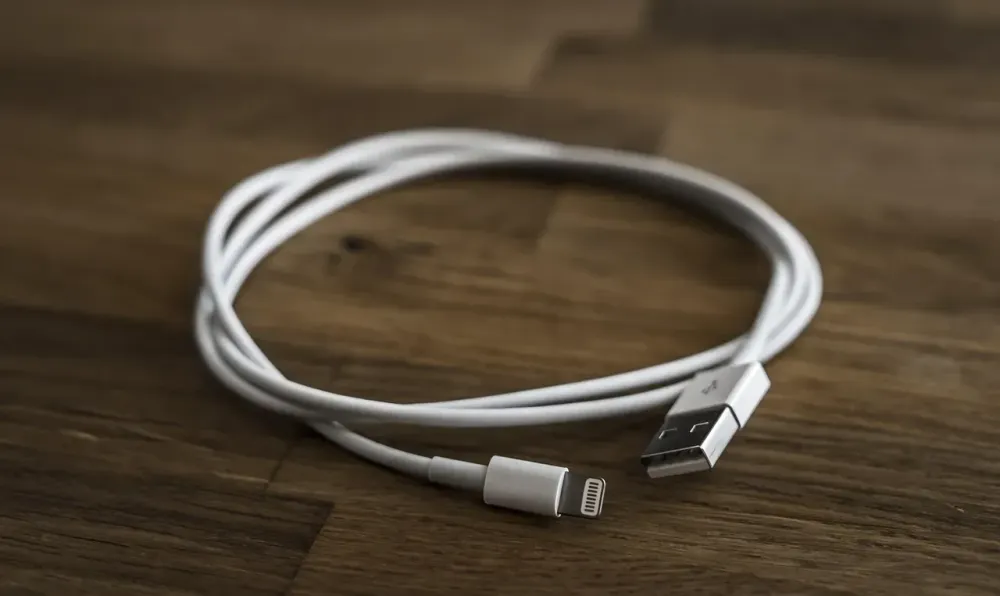




USB-C was prophesied to be the "one cable to rule them all." Instead, it became the biggest trust issue in modern tech. They all look identically sleek in your drawer, yet one blasts 100W Thunderbolt 4 while the other struggles to push 5W like an asthmatic ant. Looking at a tangled drawer of these things is pure nightmare fuel.
Over on Hacker News, a dev named Darryl Morley just dropped a neat little utility called WhatCable (bagging nearly 400 upvotes). Here’s the TL;DR for you lazy scrollers:
While we don't even need to read the comment section, that 388 score speaks volumes. Every dev has been burned by a fake cable, and the silent consensus is clear:
Software might be complex, but hardware ambiguity will literally drive you insane. You can deploy a heavy cloud vps in 30 seconds, but you'll spend two hours debugging a local connection drop only to find out your "premium" cable is just a glorified shoelace.
The lesson here? Never trust the UI—whether it's a slick web front-end or a shiny metal connector. You need tools to expose the raw payload. WhatCable is exactly the kind of practical, no-bs utility that saves devs from losing their sanity over hardware limitations. Highly recommend starring this repo.
Sauce: GitHub - WhatCable
