An 'URGENT' IT ticket turns out to be an unplugged printer. A hilarious look into IT Helpdesk life, construction workers unplugging servers, and how to outsmart users.
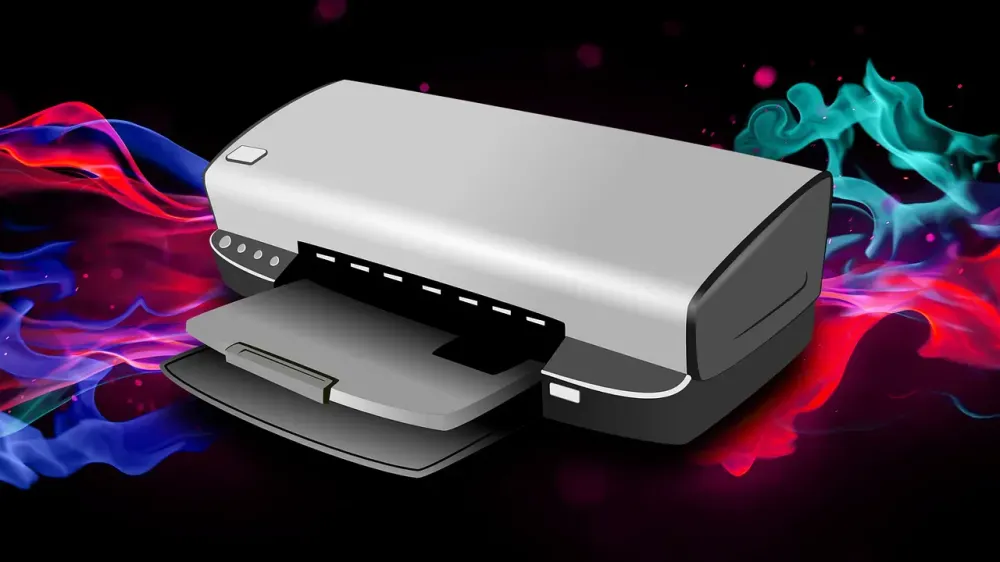






Ah, the classic IT Helpdesk paradox. Whenever you see a ticket with "URGENT" in all caps, there's a 99% chance the user hasn't tried a damn thing before hitting submit.
A lady from Accounting dropped a ticket: "Printer not working, URGENT, need to print contracts today." Being a seasoned veteran who knows how to translate corporate-speak, I grabbed my coffee and strolled over.
I found her standing there, arms crossed, visibly stressed out. She swore it had been broken since morning, claimed she restarted her PC twice, and even "reinstalled the printer." (Which actually meant she deleted it from the Devices list and panicked when it vanished into the void. Classic. Now we had two problems).
I asked her to show me. We hit the print test page. The printer just sat there. No lights, no sounds, absolutely zero vibes. I looked at the printer. I looked at the wall. Back to the printer. The power cord was just chilling in mid-air, four inches away from the socket. Not loose. Completely unplugged.
I plugged it in. Beep. It warmed up and spat out her test page plus a backlog of 11 documents trapped in print-queue purgatory all morning. Her defense? "Well, I didn't think to check that because it's always been plugged in." Fair enough, honestly. I closed the ticket and walked back to my desk. Who unplugged it? I don't know, and frankly, some office mysteries are better left unsolved.
When this hit Reddit, the IT trenches resonated hard.
The usual suspects (OldPro1001) immediately called it: "Cleaning crew had to plug in a vacuum?" Another dude chimed in saying he had a printer missing all its paper from 5 trays AND both ink cartridges. The printer literally got mugged.
But the Final Boss of stupidity goes to the story from KnoWanUKnow2. A construction crew at a hospital UNPLUGGED A LIVE SERVER RACK to plug in their electric table saw. (See, this is why you just use a cloud vps and avoid on-prem hardware headaches completely). The UPS kept things alive just long enough for the network to crash while the carpenters were on lunch break. IT plugged it back in, thinking no one could be that stupid twice.
Plot twist: After lunch, they found out the crew was exactly that stupid. They unplugged it AGAIN to keep sawing. The hospital network went down twice for a piece of wood. Unbelievable.
Then there's the Jedi Mind Trick from AngryCod on how to deal with users. Rule #1: Never ask a user, "Is it plugged in?" They will lie and say yes. Users always lie. Instead, use psychological warfare. Tell them you need to replace the power cord and ask them to unplug it to read the serial number off the plug. When they can't find the non-existent serial number, say, "Oh, plug it back in and check the other end!"
Boom. Issue resolved, they plugged it in themselves, and the user thinks you're performing high-level hardware diagnostics. Pure evil, but brilliant.
For all my fellow tech survivors out there, remember this: "Urgent" usually translates to "I didn't try shit."
When facing a bizarre, catastrophic issue, always check Layer Zero first. Is it plugged in? Is the network cable connected? Is it turned on? Don't start running terminal commands and pinging subnets when the real issue is a power cord dangling 4 inches from the wall. Keep calm, sip your coffee, and trust no one. That's how you survive this industry.
Source: Reddit
